
Running a social media presence on your own is a lot of work, and two heads are better than one. Facebook lets you add another person as an admin of your Page without ever handing over the password to the personal profile that manages it.
This guide walks through giving someone Facebook access to your Page, using an example business.
Overview of the process
- Switch to your Page and open Settings
- Select Page setup
- Select Page access
- Select Add New under People with Facebook access
- Search for the person and send the invitation
Step 1: Switch to your Page and open Settings
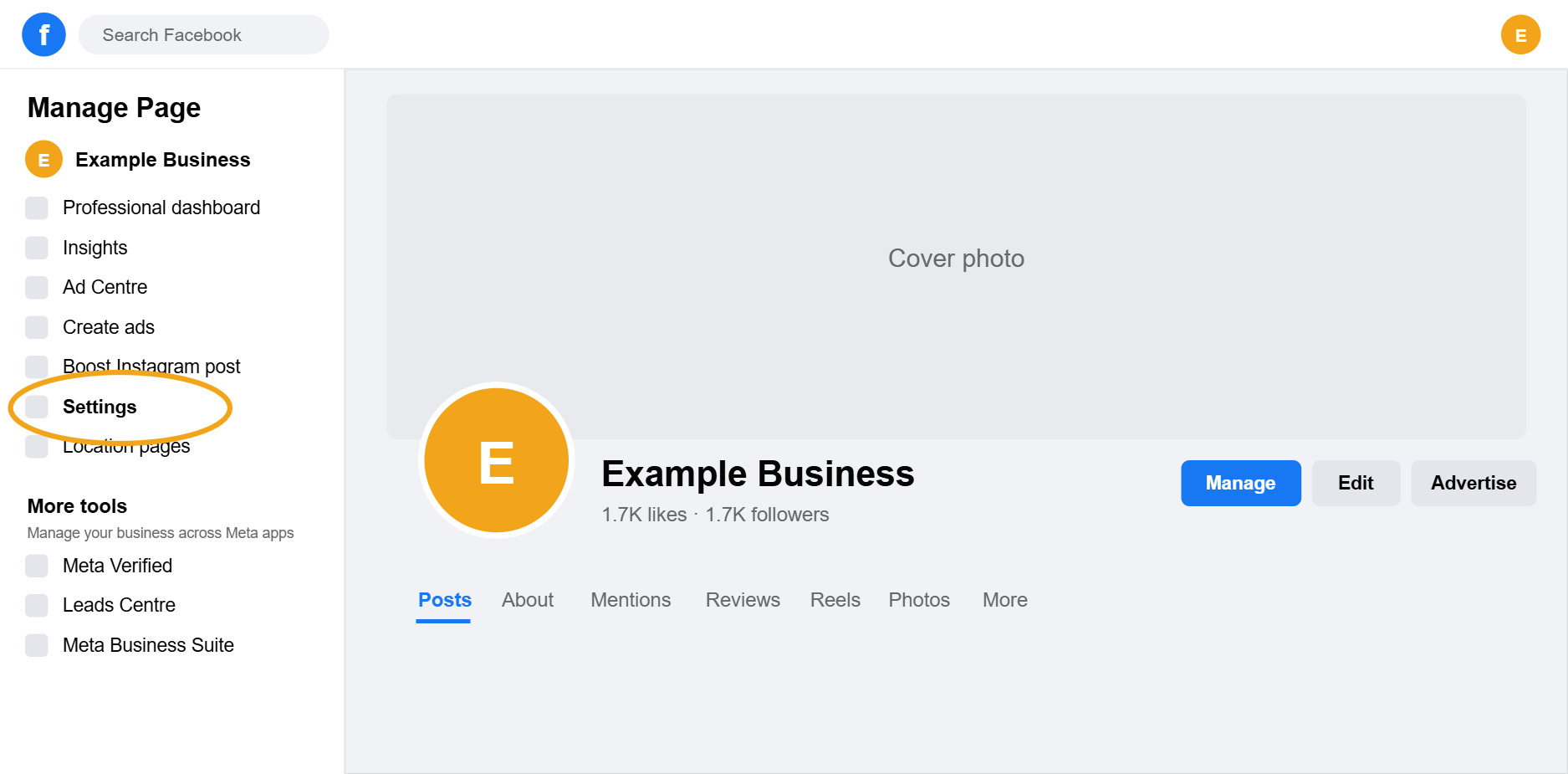
In your browser, switch from your personal profile to your business Page using the profile icon in the top right corner (the Page is the one with likes instead of friends). Once you are acting as the Page, find Settings in the Manage Page menu on the left.
Step 2: Select Page setup
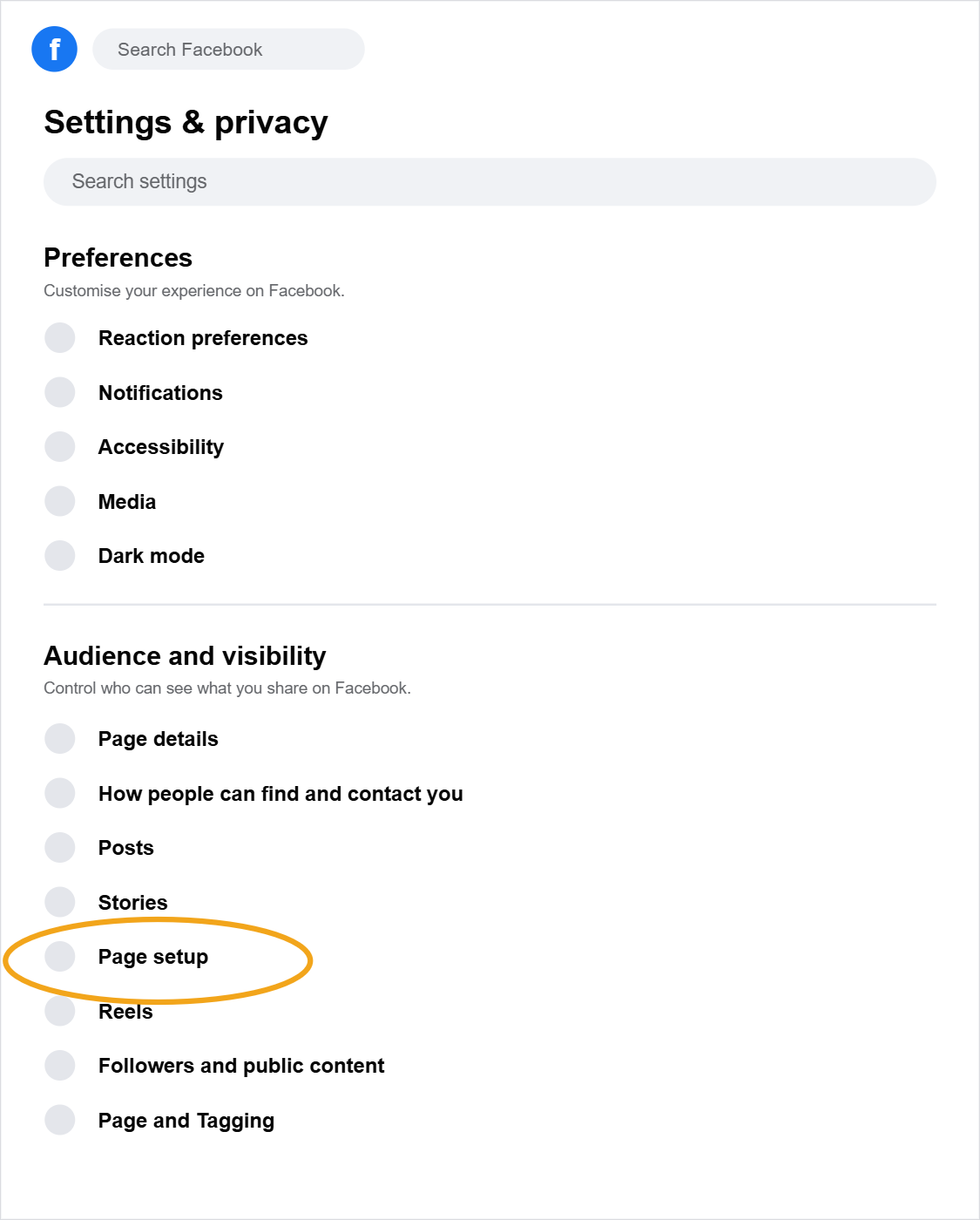
The left menu changes to Settings and privacy. Under Audience and visibility, select Page setup.
Step 3: Select Page access
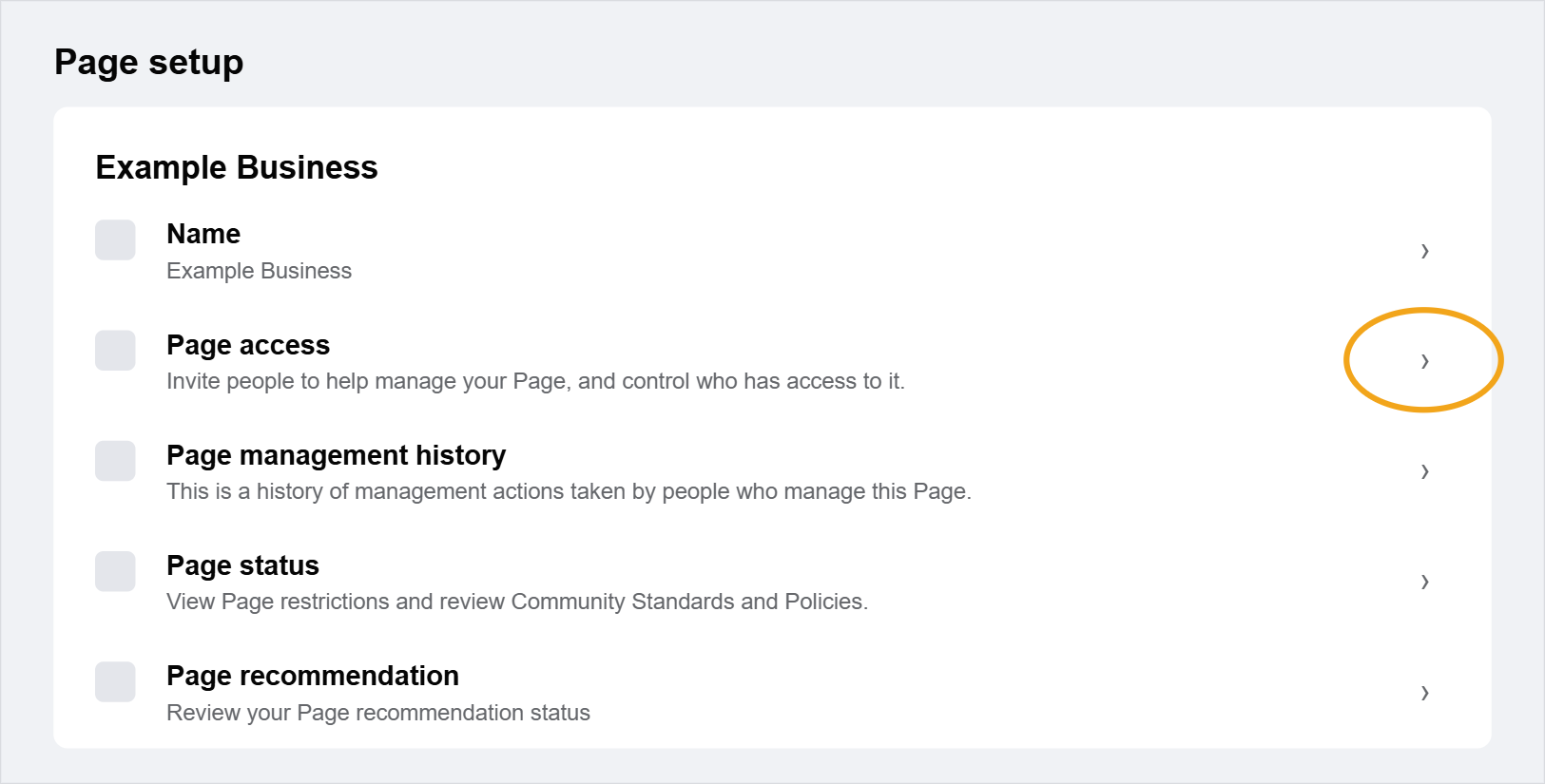
On the Page setup screen, click the arrow next to Page access. This is where you invite people to help manage your Page and control who has access to it.
Step 4: Select Add New
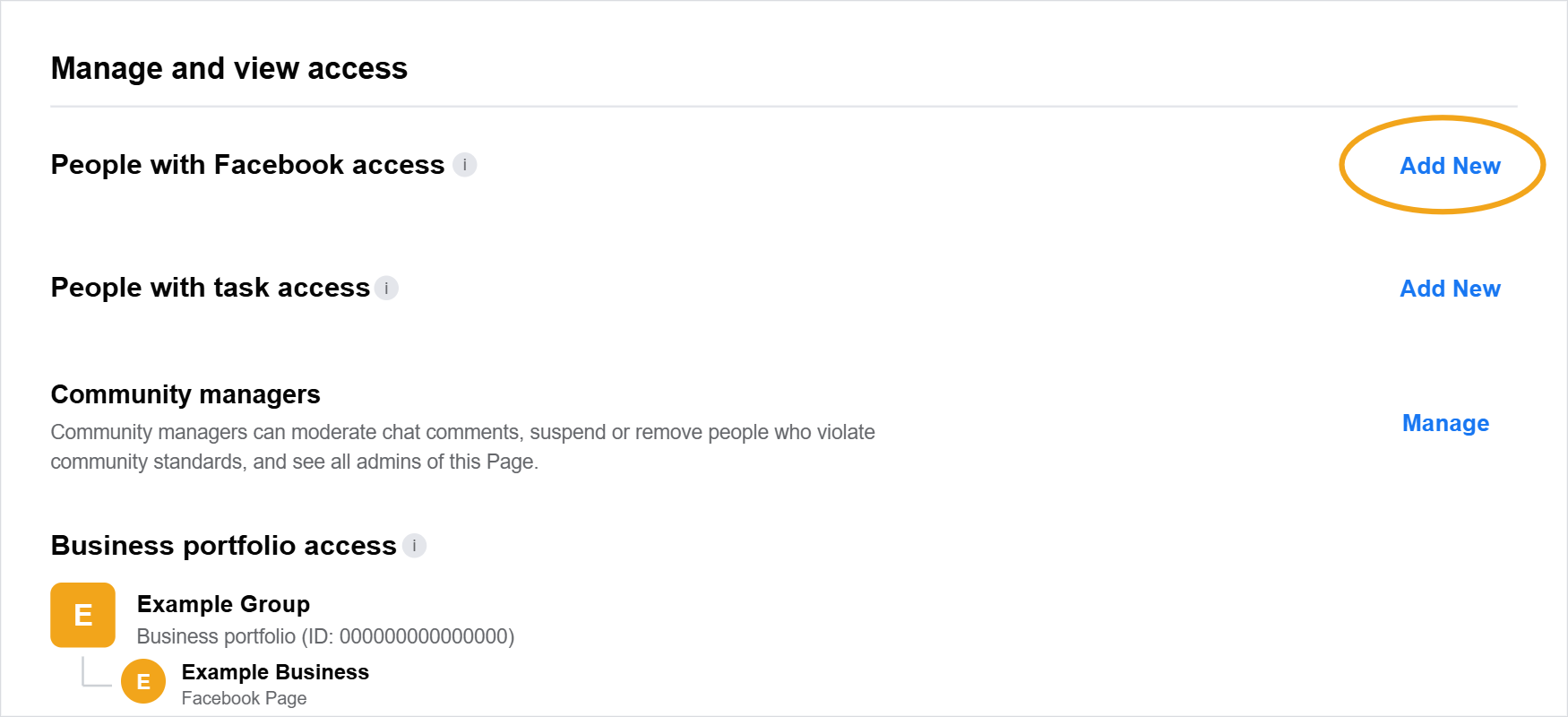
Under People with Facebook access, click Add New. People with Facebook access can manage the Page from their own profile. People with task access have more limited permissions, so use the Facebook access section for an admin.
Step 5: Search for the person and send the invitation
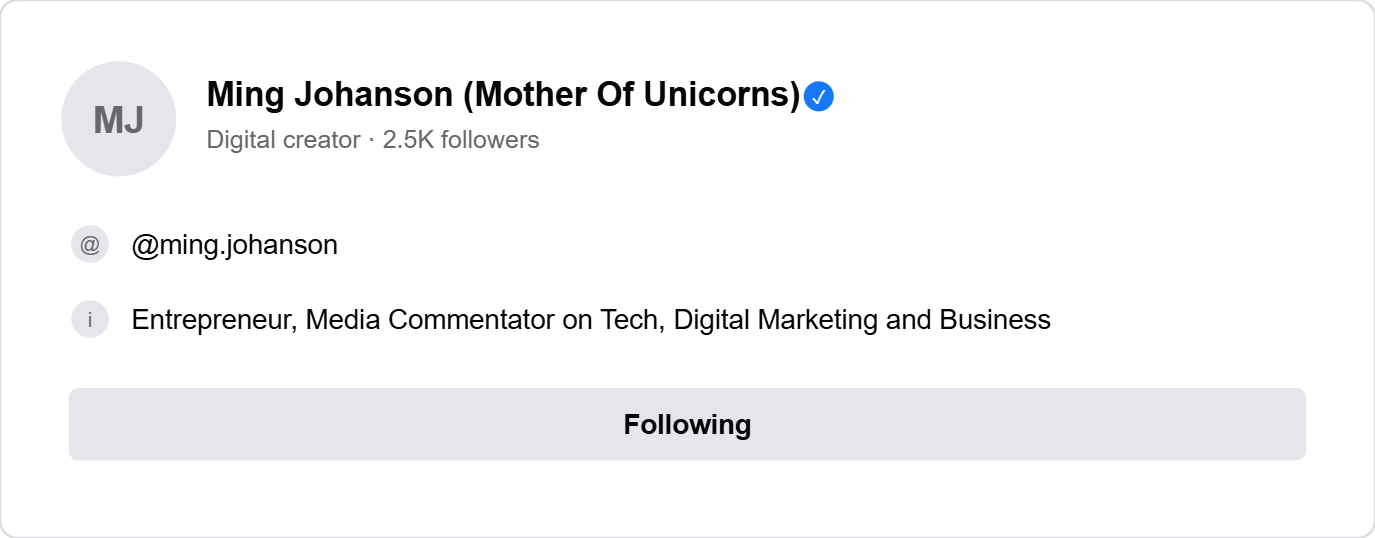
Search for the person by name and select their profile from the results. If you are working with Marketing Jumpstart as a client, search for our CEO Ming Johanson (Mother Of Unicorns) and select her profile. Facebook will then ask whether to give them full control of the Page. Full control is the equivalent of an admin: they can manage access, edit settings, and act as the Page. Confirm to send the invitation.
Quick tips
- The person must accept the invitation from their Facebook notifications before they get access
- Double check you have selected the right profile, as many people share similar names
- Only give full control to people you trust to manage access for others
- Review Page access from time to time and remove anyone who no longer needs it