
A vanity URL is a custom LinkedIn profile link that makes your profile easier to share and remember. Instead of a long, auto generated URL full of numbers, you can personalise it with your name or brand.
Overview of the process
- Go to your profile
- Click Edit public profile and URL
- Edit your custom URL
- Save
Step 1: Go to your profile
Log in to LinkedIn and open your own profile page.
Step 2: Click Edit public profile and URL
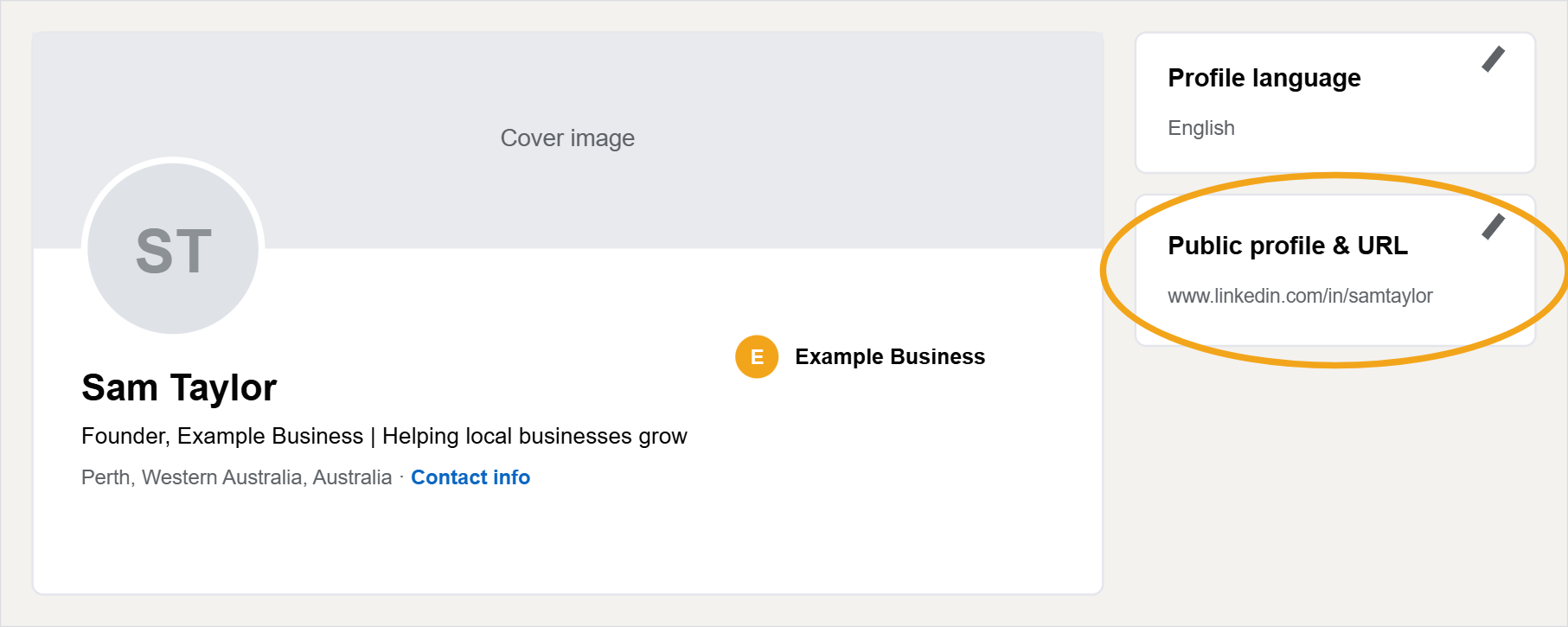
On the right hand side of your profile page, find the Public profile & URL panel and click the pencil icon.
Step 3: Edit your custom URL
On the next screen, under Edit your custom URL, click the pencil icon and enter your preferred link, for example linkedin.com/in/YourName.
Step 4: Save
Click Save and your new link is live straight away. Anywhere the old link was shared will still work, but start using the new one on your resume, business cards, and email signature.
Best practices
- Use your full name or business name for a professional look
- Avoid special characters and spaces, and use hyphens where needed
- If your name is taken, add a middle initial or an industry keyword
- A custom URL looks cleaner everywhere your profile is shared and makes you easier to find